
1xbet Registration
1xbet registration runs four ways and each takes under a minute. What differs is how easily you can recover access and verify the account later.
Four registration methods compared
All four 1xbet registration routes open the same account, but they differ sharply around recovery and verification. Choosing well at the start saves time.
| Method | Time | Recovery | Suits |
|---|---|---|---|
| One-click | 10 seconds | Weak, details must be added later | Anyone who wants to bet at once |
| Phone | 30 seconds | Good, codes arrive by SMS | Most players in Turkey |
| 45 seconds | Best, the address is permanent | Long-term use | |
| Social account | 20 seconds | Medium, tied to the linked profile | A quick start |
The currency chosen during 1xbet registration never changes afterwards. If you intend to work in lira, pick TRY from the list.
One-click sign-up
The fastest route asks only for a country and a currency. The system generates an account ID and a password for you.
- Open the form Tap the membership link above the login fields.
- Select one-click The form collapses to two fields.
- Choose country and currency TRY is on the list, and the choice is permanent.
- Save the credentials The account ID and password appear once. Screenshot them or write them down.
Registering with a phone number
For players in Turkey this is the most balanced option. Recovery runs over SMS and nothing else is needed.
- Select the phone tab The form shows a number field and a currency field.
- Pick the country code Typing it by hand leads to formatting errors.
- Enter your number Leave off the leading zero, since the country code covers it.
- Type the code The SMS lands within seconds. Request a new one if it does not.
- Set a password Eight characters or more, with a capital and a digit.
Registering with an email address
This asks for the most fields and gives the strongest recovery. Name, surname and address details are entered here.
- Name and surname: must match your documents exactly.
- Email: use an address you can open, since a confirmation link arrives.
- Country and city: selected from a list rather than typed.
- Currency: choosing TRY is permanent.
- Password: do not reuse a password from another site.
A name that does not match the documents is the most common problem. It goes unnoticed at sign-up and surfaces at the first withdrawal request.
App screens
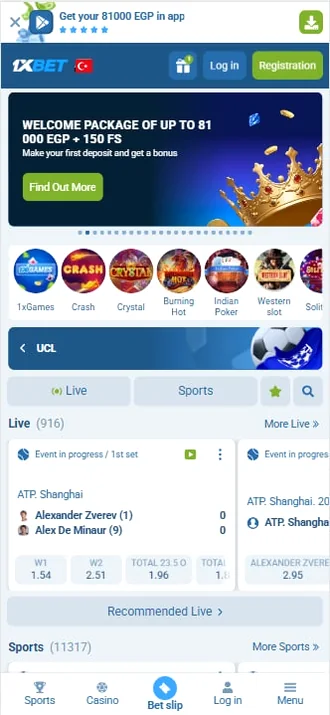
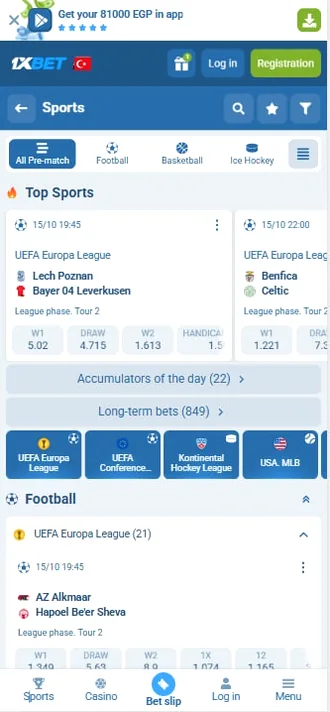
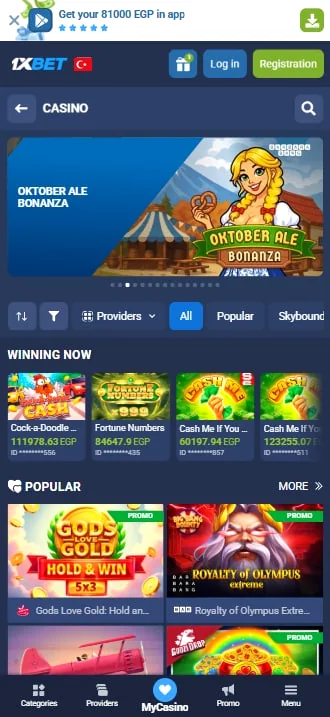
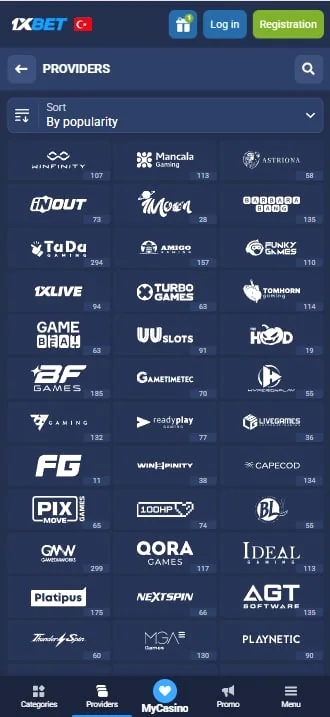
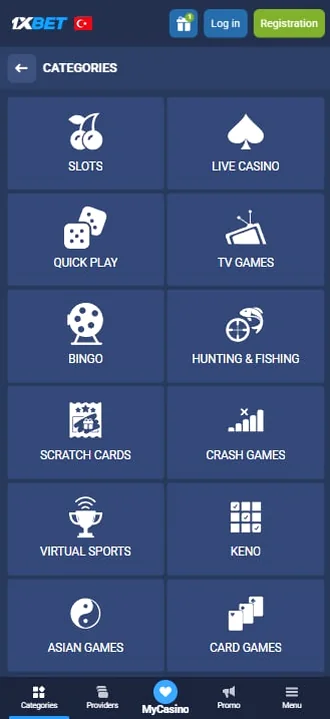
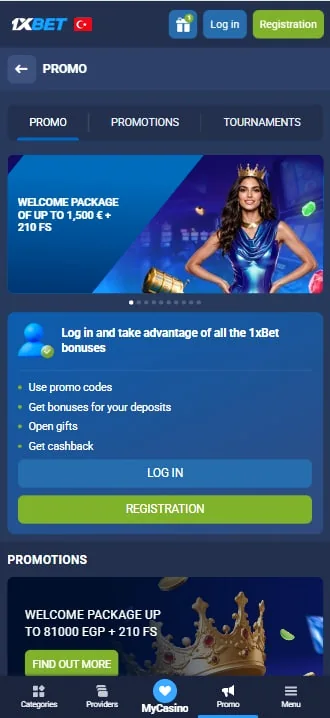
Currency and region choices
Two fields on the form are permanent: country and currency. Everything else can be corrected later, and those two cannot.
| Choice | Effect | Changeable later |
|---|---|---|
| Currency | Every transfer appears in it | No, a support request matters |
| Country | Determines the payment method list | No |
| Language | Interface and competition naming | Yes, at any time |
| Contact details | Recovery and notifications | Yes, can be added |
| Name and surname | Matched against your documents | Only with documentary proof |
Choosing a currency other than TRY means a conversion on every deposit and withdrawal. It looks trivial once and accumulates with frequent use.
Completing the profile afterwards
After 1xbet registration an incomplete profile holds up the first withdrawal. The order below closes that risk in advance.
- Add contact details After a one-click sign-up, fill in the email and phone fields.
- Enter name and surname They have to match your documents exactly.
- Add your date of birth The age check reads this field.
- Complete the address Country and city come from a list.
- Upload documents If an ID and an address proof are ready, upload them now and let the review run in the background.
Verification and the documents required
Verification never blocks sign-in; it gates withdrawals. Documents are uploaded from the account area and review usually takes one business day.
| Document | Purpose | Accepted form |
|---|---|---|
| Identity | Checking name, surname and date of birth | National ID, driving licence or passport |
| Address | Confirming where you live | A utility bill or bank statement issued recently |
| Payment | Confirming the cardholder | Front of the card with middle digits covered |
| Selfie | Confirming the document is yours | A photo holding the document |
Shoot in good light on a flat surface. A blurred document is the usual reason for a rejection and adds another day to the process.
Why a second account is a bad idea
More than one account per person breaks the terms of use. Detection is straightforward and the results are heavy.
- Detection: document details, payment accounts and device fingerprints are matched.
- Result: accounts can be frozen and bonuses cancelled.
- Balance: withdrawals stay until the review concludes.
- The right route: if you lost access, use the recovery flow instead.
Recovery routes for a locked-out user are described on the login page. Support finds the record from an account ID and a registration date.
Errors during registration
| Error | Cause | Fix |
|---|---|---|
| Number already registered | An account exists already | Use the recovery flow, do not open a second account |
| No SMS | Wrong country code or a carrier filter | Select the code from the list and wait a few minutes |
| Email not confirmed | The link landed in spam | Check the spam folder and request a new link |
| Currency cannot change | The choice is permanent | Write to support, though it is not always possible |
| The form will not submit | An ad blocker is breaking fields | Disable the blocker for this site |
How long each step takes
These 1xbet registration timings are averages. Everything except the document review depends on how fast you work.
| Step | Average | Note |
|---|---|---|
| One-click sign-up | 10 seconds | Only two fields |
| Phone sign-up | 30 seconds | Including the SMS wait |
| Email sign-up | 45 seconds | The confirmation link arrives separately |
| Completing the profile | 3–5 minutes | Including photographing documents |
| Document review | 1 business day | A blurred photo extends it |
Taking an account from nothing to fully usable therefore spans about a business day. Betting does not wait for verification; only withdrawals do.
Short summary
Two things about 1xbet registration are permanent: the currency and your name. Everything else can change afterwards.
- Choose the email method for long-term use.
- For a fast start in Turkey, the phone method is enough.
- Always add contact details after a one-click sign-up.
- Select TRY as the currency, because it never changes.
- Enter your name exactly as it appears on your documents.
Once the account exists, the sign-in sequence is on the login page, and licence questions sit on the safety page.
Frequently asked questions
Which 1xbet registration method is best
Email is the safest for long-term use because the recovery address is permanent. For a quick start, the phone method is enough.
Can I change the currency later
The choice is permanent and you cannot change it yourself. A support request is possible but not always granted.
Are documents requested during sign-up
No. Documents are uploaded later, for account verification before a withdrawal.
Is one-click sign-up safe
The account opens, but with no contact details password recovery is impossible. Add an email or phone number straight afterwards.
Can I open a second account on the same number
No, and it also breaks the terms. Reach the existing account through the recovery flow.
How long does verification take
With complete documents the review usually finishes within one business day. A blurred photo extends it.
Registering through a social account
One confirmation from the linked profile opens the account. An account ID is still issued and can be used to sign in.
The limitation appears if you lose access to the linked profile. For that reason, adding an email address or a phone number after 1xbet registration is a sensible habit.
The social link exists purely for identification. The operator posts nothing to that profile and does not read a friend list.